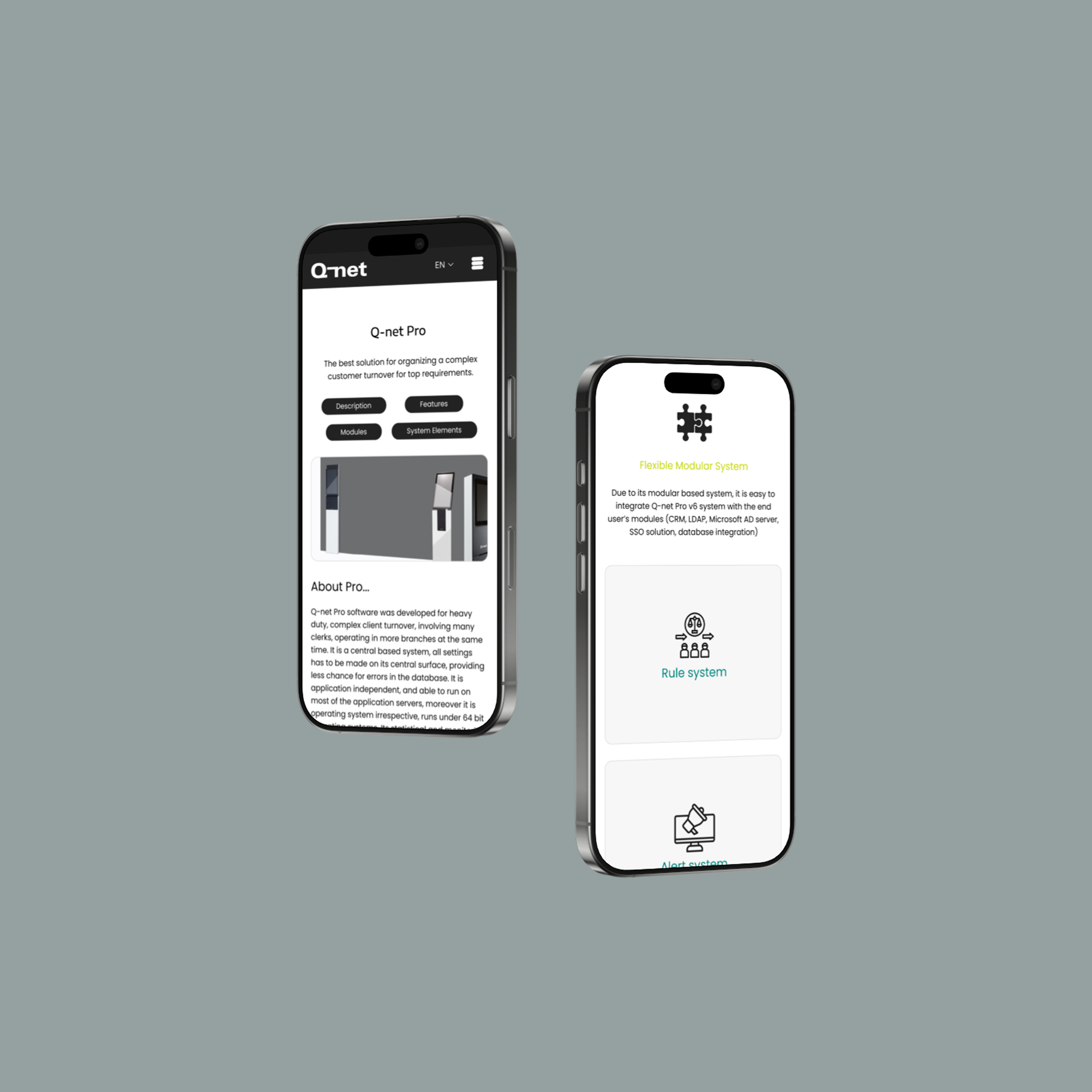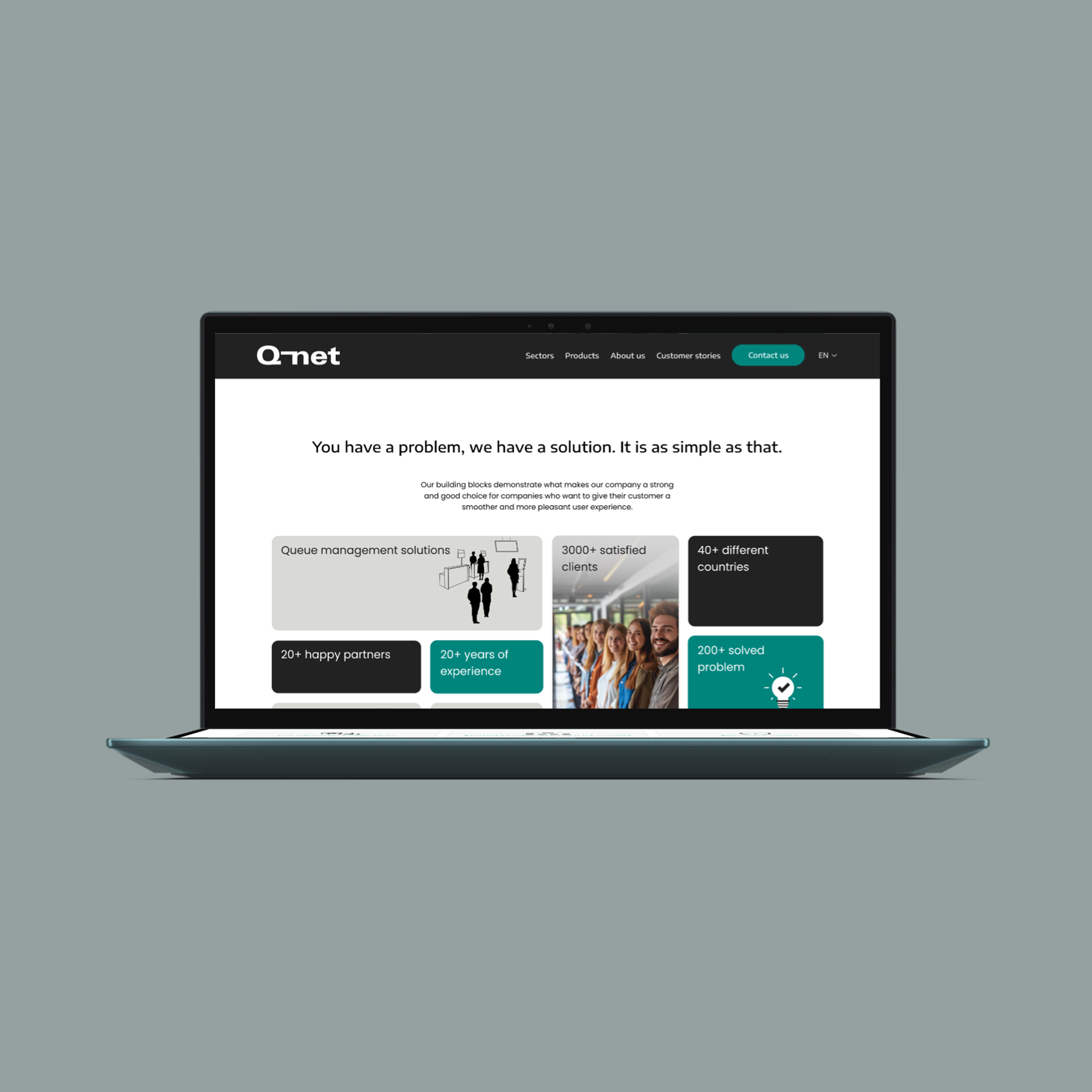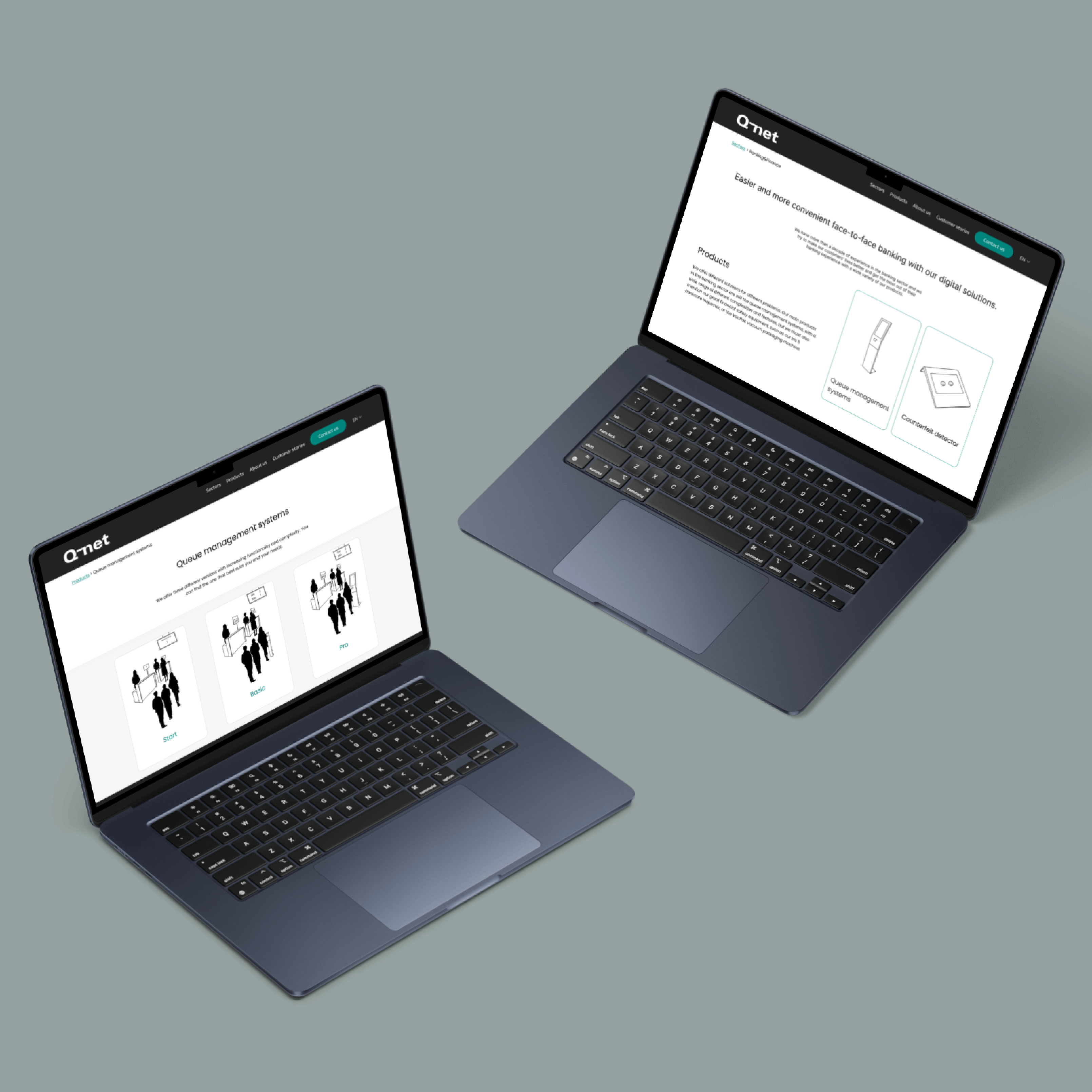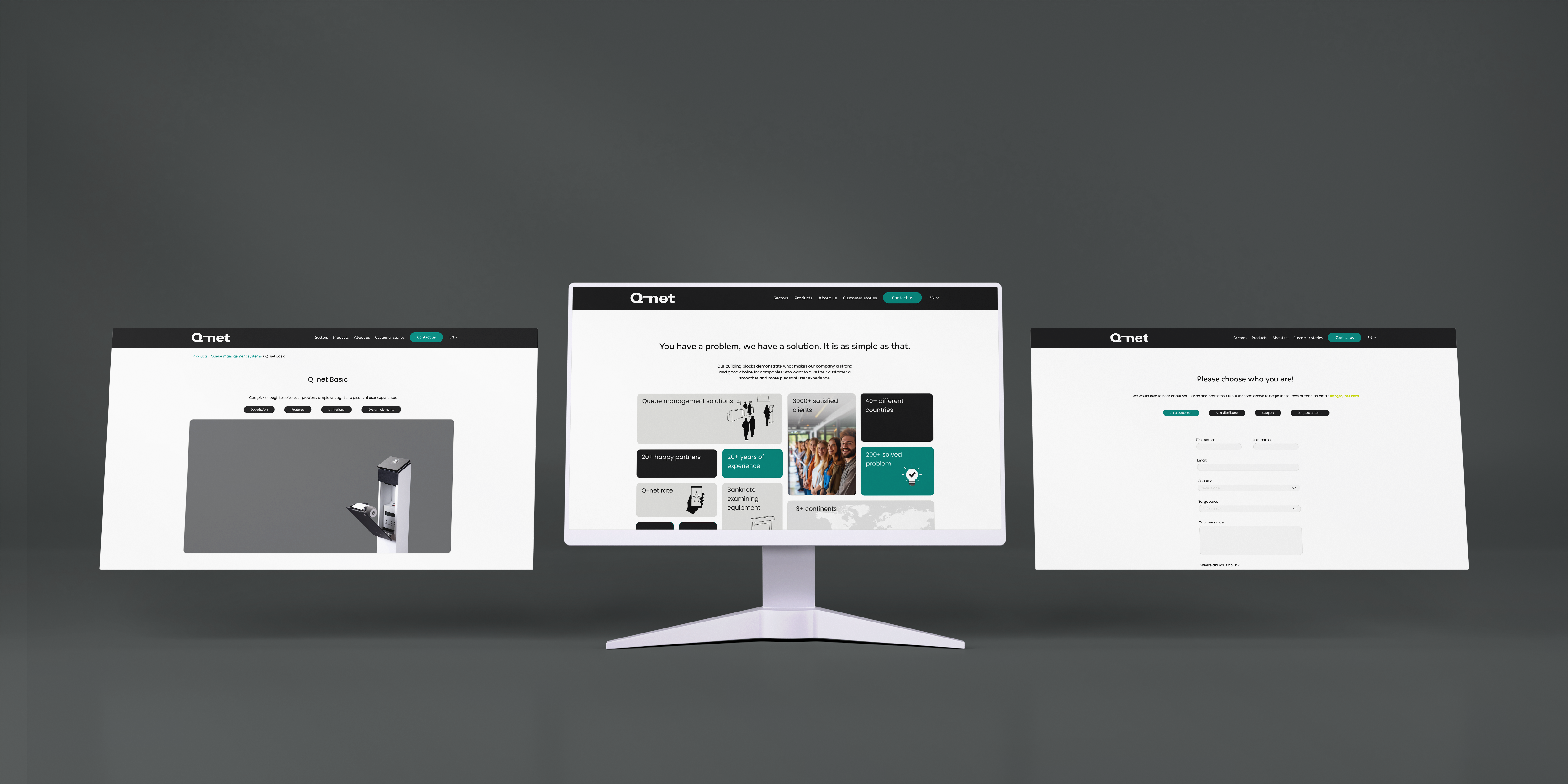
Q-net website redesign mockup

About the Project

I had the opportunity to redesign the website and brand identity for one of the most well-known queue management companies, with distributors and customers around the globe. The project presented a unique challenge: creating a digital presence that’s both usable and appealing to a highly diverse, international audience. Since their website and digital interfaces hadn’t been updated in years, my role extended beyond just refreshing the visuals—I also restructured how their services were presented to ensure clarity and accessibility. This included working on both the visual design and the copywriting to communicate their offerings more effectively.

Project type Role Industry Tools Duration Other info
UI/UX Design for Web, Service design UI/UX Designer Technology Figma, Figjam, Adobe Photoshop, Adobe Illustrator March 2024 – April 2025 It was not just a website redesign, but a whole process of understanding and clarifying a brand's identity, current products and plans for the future.

The Problem

For a long time, the company focused solely on fulfilling orders and developing its software, while neglecting its brand identity and overarching vision. As a result, several issues emerged. Notably, an MLM company from Hong Kong adopted a logo and branding style strikingly similar to theirs, which caused significant confusion among customers. Additionally, the company's website lacked clarity regarding which products were still available or actively produced, and how their services functioned. This ambiguity led to a high volume of inquiries and extra workload for the sales team.

How might we create a unified digital experience that communicates complex services clearly and effectively to users across different cultures and regions?

Brand problems

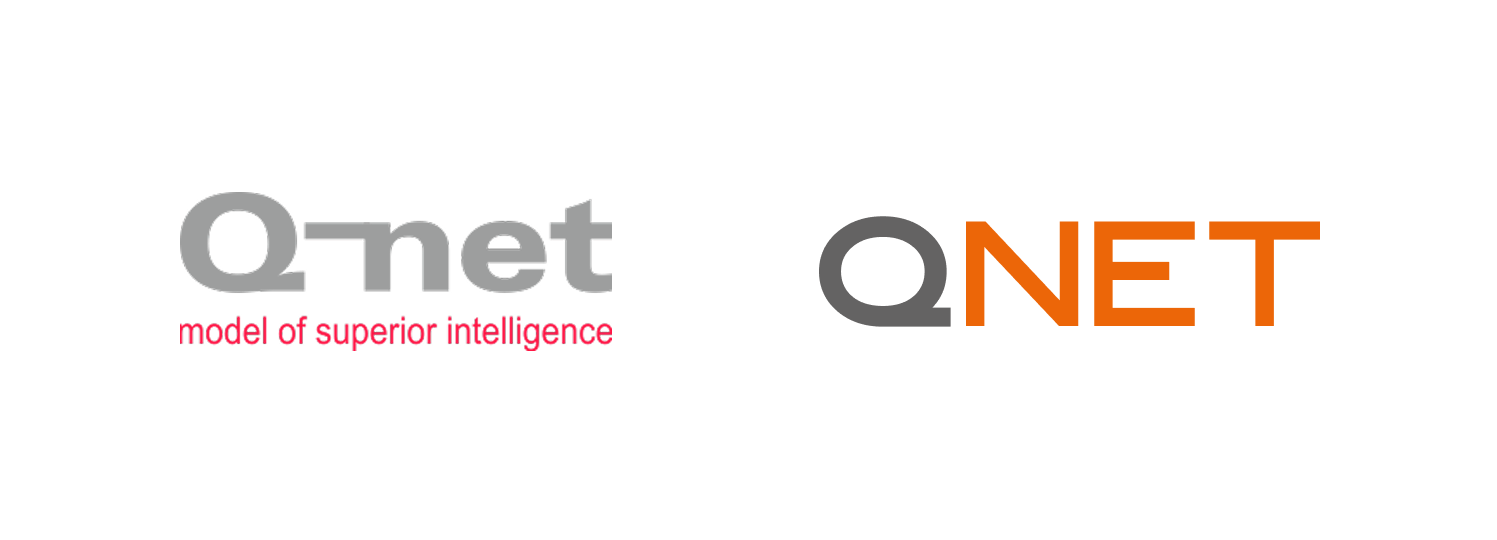
As seen in the image below, the two logos are quite similar, making it easy to confuse them. The first logo belongs to the queue management company Q-net, while the second one is for the MLM company Qnet. Q-net has received numerous false reviews and disappointed feedback regarding Qnet's products and services, highlighting the need for a logo change to better reinforce the brand's identity.

A complete logo change wasn’t an option for two main reasons: first, a significant amount of hardware had already been produced with the engraved logo, and second, in the queue management sector, their logo is already well-recognized. Therefore, a more practical solution was to transform the logo into a combination mark by adding a small visual element, enhancing its distinctiveness without losing the existing brand recognition.
Wiring plan

Another issue was the inconsistent use of color over the years. The logo had appeared in various shades, and when the question arose whether the rose color could be considered the brand’s primary color, no one could say who originally chose it—and no one felt strongly about keeping it either. This prompted me to not only look for a strong alternative for the logo but also to develop an entirely new color palette to refresh and unify the brand identity.

Wiring plan

The new logo, designed to work alongside the existing typographic logo, was built on two core concepts. The first was the idea of global human connection, and the second was a visual association with trust and security—reflected in a form that can also be interpreted as a fingerprint. I aimed to use vibrant, distinctive colors that aren’t currently associated with either Qnet or any other queue management company in the industry, helping the brand stand out with a fresh and unique identity.
Design process

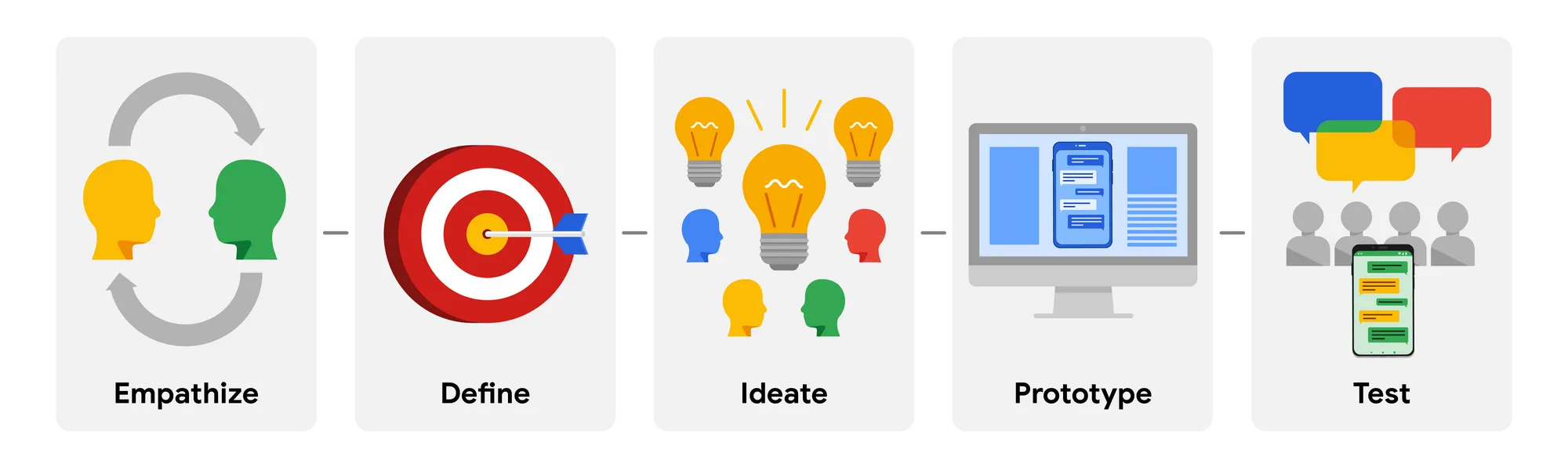
For this project, I followed the design process I learned in my Google UX course, which I had just completed before starting the work.

Design thinking process: Empathise, Define, Ideate, Prototype, Test

Research

I began the project by conducting interviews with key stakeholders within the company to better understand their goals for the new brand identity and website. Following this, I carried out a competitor analysis to examine how other companies in the field communicate—both on their websites and social media platforms. I paid special attention to how they structure their contact pages and how they present their services and products, as these elements were particularly important for creating a user-friendly and trustworthy online presence.

Key insights from competitor analysis:

Competitors analyzed: Q-net, Sedco, Wavetec, Qmatic, Akis

Brand Identity & Visual Design
  • Strong brand identity is a standout advantage for companies like Qmatic and Sedco, using consistent fonts, colors, and motion.
  • Q-net (especially q-net.com) lacks a clear and recognizable brand identity, and the design feels dense and overwhelming.
  • Visual clarity and consistency help Qmatic stand out, while Akis and Wavetec still struggle with menu complexity and inconsistent color usage.

Conclusion: Establish a more cohesive brand image using a unique color palette and improved visual hierarchy.

User Experience (UX) & Navigation
  • Most competitors have strong navigation systems, with clear indication of clickable elements (Qmatic, Sedco, Wavetec).
  • Q-net’s website (especially q-net.com) has difficult navigation and a dense layout that can be confusing.
  • Information architecture and menu structure are areas where several competitors (including Akis and even Qmatic) struggle.

Conclusion: Simplify the menu, use progressive disclosure for complex content, and clearly distinguish CTAs (calls to action).

Content Strategy & Accessibility
  • Content strength (like blogs, FAQs, and customer stories) is high for Sedco, Wavetec, and Qmatic, adding credibility and SEO value.
  • Q-net lacks updated or engaging content, and the language accessibility is weak, with exclusionary flag icons and no real multilingual support.
  • Accessibility tools (e.g., font size changer) are attempted but poorly executed by many.

Conclusion: Improve multilingual support and develop educational or value-driven content (like tutorials or use cases) for Q-net.

Mobile Experience
  • Mobile responsiveness is generally good across competitors, but tablet mode often causes issues (especially for Wavetec and Akis).
  • Q-net’s mobile site works okay but suffers from harsh menu colors and dense layouts.

Conclusion: Polish mobile layouts, especially for navigation and CTAs, to improve usability on all devices.

After identifying key opportunities for Q-net based on competitor insights, I shifted focus to analyzing the existing website. This step was crucial before planning the new information architecture. I found that many outdated products were still listed—some of which were no longer in production. As I dug deeper into user pain points, it became increasingly clear that a complete restructuring of the site's information architecture was necessary to improve clarity, usability, and content relevance.

Identified pain points:

Not clear concepts
  • Hard to understand what queue management is or why it’s useful.
  • Needs clearer explanation.
Wrong wording
  • Product group names are too specific — should be more universal and use-case independent.
  • E.g. “banknote validators” are used beyond banks, so labels should be more universal.
Missing CTA
  • No clear call to action.
  • Contact menu is hard to find, resulting in very few incoming inquiries.
Crowded menu
  • Menu is overly crowded.
  • Dropdown is too large and unorganized, making it nearly unusable on mobile.

Information architecture:

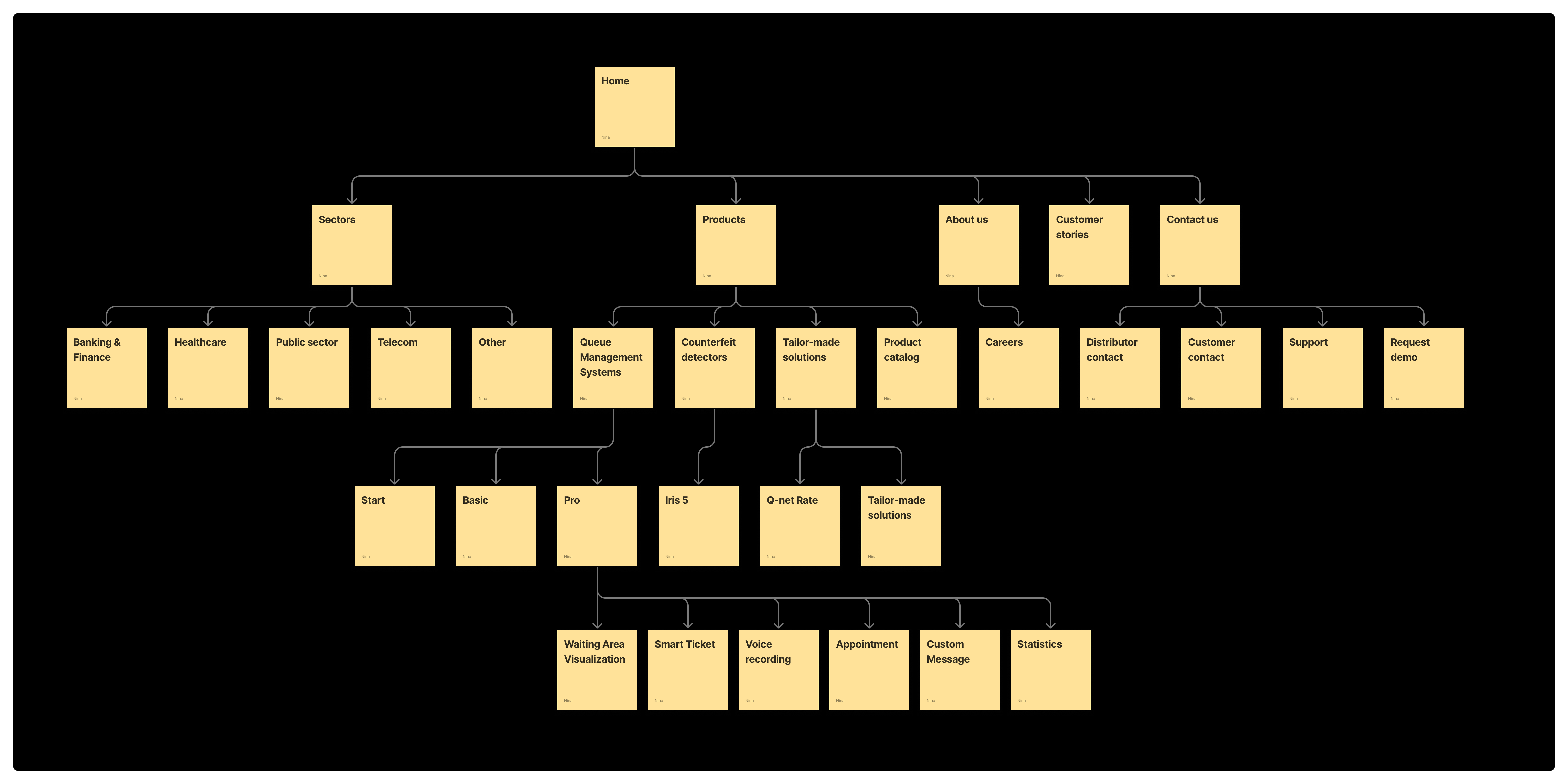
To develop a clearer and more effective information architecture, I worked closely with the sales team and the head of development through a series of workshops and collaborative sessions. This process helped us uncover key challenges and requirements, allowing us to create a structure that aligns with both user needs and business objectives.

Q-net information architecture diagram

Wireframes

Collaboration with the sales team was crucial throughout the entire project. We held multiple meetings during the wireframing and mockup phases, and I conducted several usability tests on both low-fidelity and high-fidelity prototypes. The feedback I received was incredibly valuable and highlighted areas where I still have room to grow, especially since this was my first real project after completing my Google UX course. I’d love to share the key insights gained from these usability tests below.

The usability study was conducted in two rounds. The first round focused solely on the website, while the second round included both the mobile site and the updated version. Finding participants who met the desired criteria proved challenging, so the study became more of a “what if” and role-playing scenario. Despite this, all participants gave their best effort, and we gathered valuable and insightful feedback.

Usability findings:

Too much text in the feature part of the Pro.
  • Too much text makes it hard for users to quickly understand the software's value.
  • Simplifying the feature list helps highlight how many problems the software solves at a glance.
Creating a flipbox
  • The feature list was redesigned to look cleaner by showing only the feature names, hiding the details unless the user clicks to reveal them.
  • While this made the page look more minimal and spacious, it created a usability issue — users didn’t realize they could or should click the feature name to see more info, because it wasn't clearly clickable (e.g., no button style, arrow, or hover effect).
Unrecognizable clickable element
  • The interactive (clickable) elements on the page had inconsistent shapes — some might have been squares, others circles or rectangles.
  • Making all clickable elements the same shape helps users quickly recognize them as interactive.
  • Adding a hover animation would make it even more obvious that these are flipboxes.

Final Deliverables

You can check out the high-fidelity prototype in Figma here: Link to prototype.

Mockup 2 Mockup 3 Mockup 1

Take away

This was my first opportunity to work on a real project for an actual client, and it was a truly valuable experience. I developed a lot in terms of soft skills—especially in client communication and in collaborating with people who aren’t familiar with UI/UX or creative processes. I’m really happy I had the chance to work with the great team at Q-net; it made the experience even more rewarding.